小黑是新來的 iRobot Roomba 895 掃地機器人。

All the posts published on KIRIN LIN – LINKEDIN are moved back here under category LinkedIn.
Thanks to the WXR file format for Export/Import-ing posts between WordPress. 😛
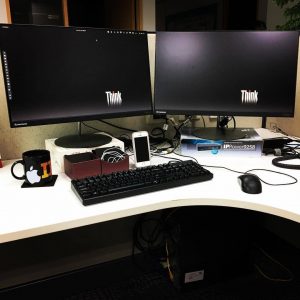
Few days ago my RHEL 7.4 started to upgrade itself to 7.5. After that, the dual display setting is broken again. Last time I fixed it in RHEL 7.4 by replacing the ATI driver with old el6 version.
To fix that, just remove ~/.config/mointor.xml and reboot. It comes back.
There is another issue is “System Tray Icon is no longer available”. Some old applications provide system tray icons, and there is an easy way to fix it:
Go Tweak Tool > Tweaks > Extensions > Enable Top icons.
Reference: Bug 1548446 – System Tray Icon no longer available in gnome 3.26 in RHEL 7 out of the box
My desktop switched to RHEL 7.2 last year and I use it for charging my iPhones. I can disable USB automount at all, but I want to disable iPhone for not asking any “trust” questions on both sides.
Use following for adding a new udev rule:
Update: The charging will not work when my iPhone SE and iPhone 6s are not authorized. There is another approach:
[code language=”bash” light=”true”]
linkirin@m91p: ~$ sudo mv /lib/udev/rules.d/85-usbmuxd.rules /lib/udev/rules.d/85-usbmuxd.rules.orig[/code]
Update: This should be ok with Ubuntu 14.04 desktop.